Memegen
The internal meme generator: pick a background, add the words, post it to your workspace's feed.
Making a meme
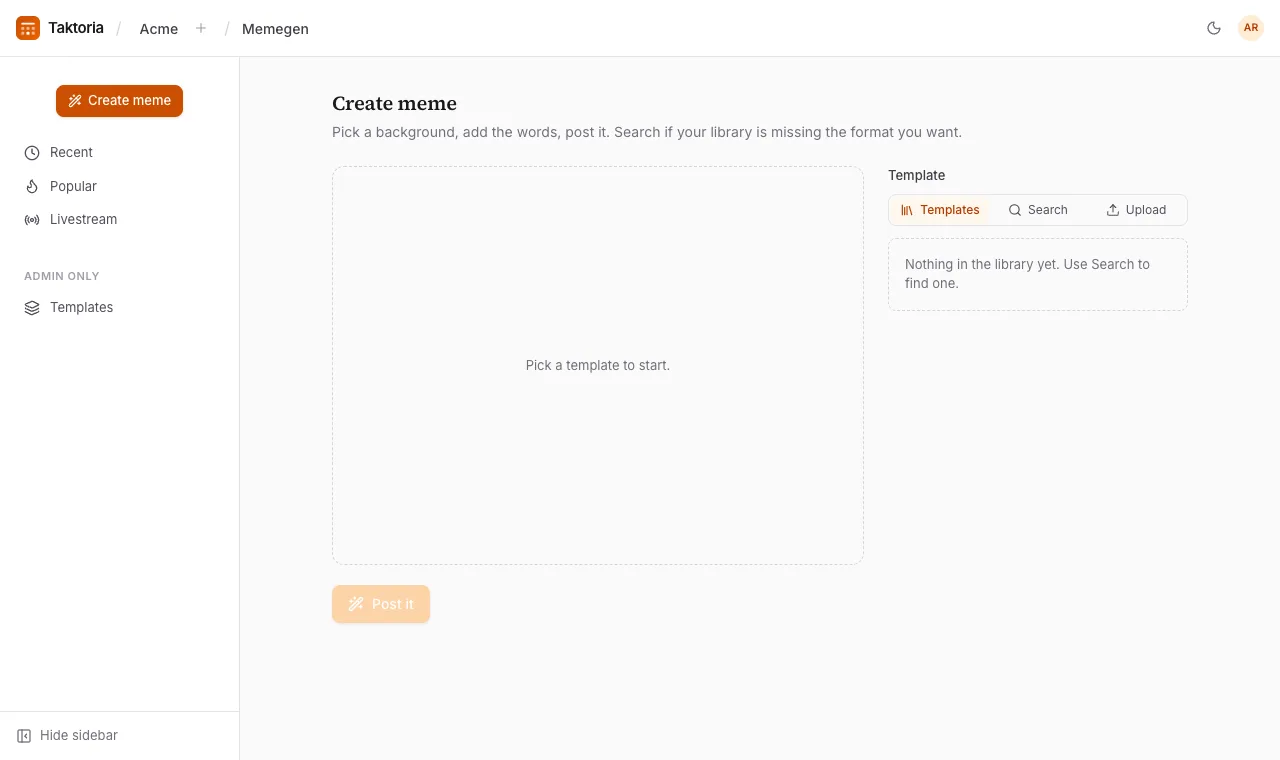
- Select Create meme.
- Pick a background from one of three tabs: Templates (your workspace's library), Search (templates from memegen.link, or paste an image address), or Upload (your own picture: PNG, JPEG, WebP or GIF, up to 8MB).
- Choose how many Caption lines you want, if the template allows it.
- Write the captions, up to 140 characters each. At least one needs words: a template on its own is not a meme.
- Select Post it.
Templates lay the words out in one of four ways: one caption across the picture, a top and bottom line, three panels, or two side by side.
The feed
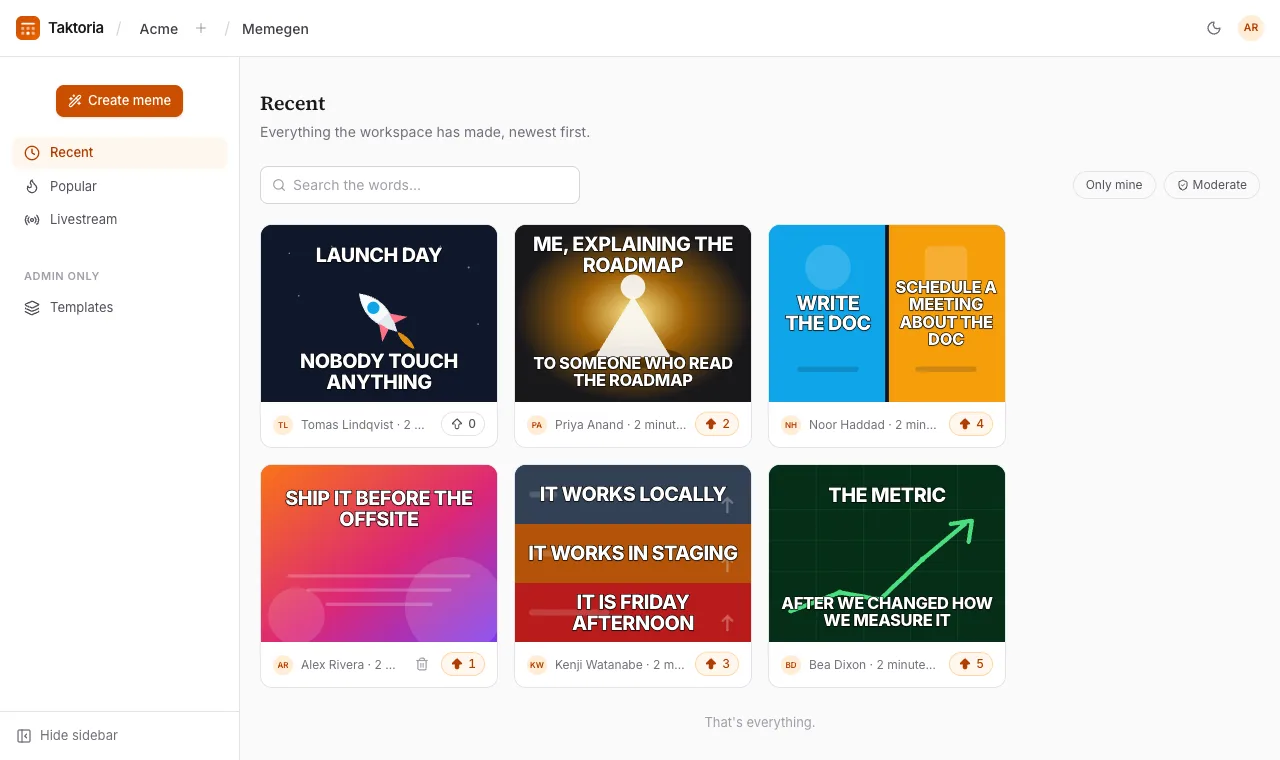
- Recent shows everything the workspace has made, newest first.
- Popular shows what people upvoted, over the past hour, today, this week, this month or all time.
- Livestream refreshes itself every few seconds; leave it open on a second screen, or put it in full screen.
Search looks at the words on a meme, not the template. Only mine shows your own.
Deleting
You can always delete your own memes from their page. Admins can turn on Moderate to delete anybody's.
Managing templates (admins)
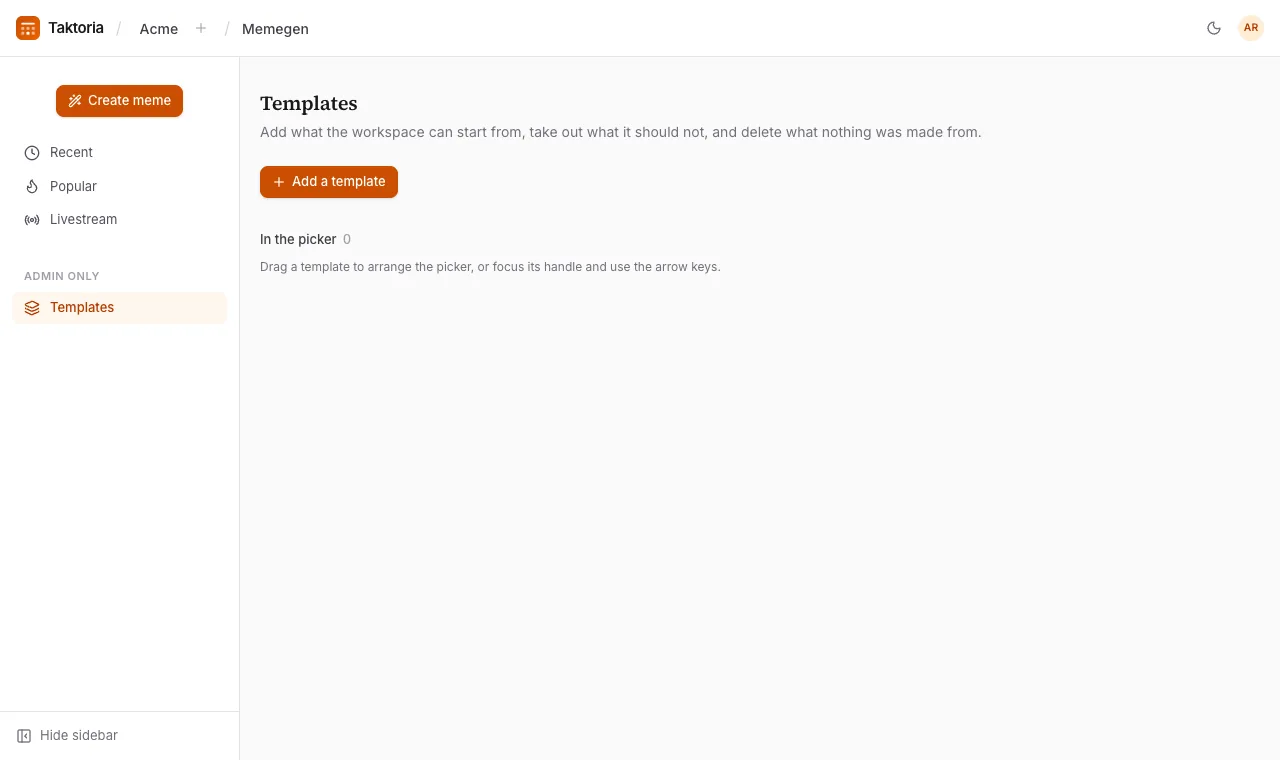
Templates is where admins curate the library everyone picks from. Add a template by uploading a picture or giving an image address, and set how many captions it starts with. Drag templates to order the picker. Remove takes one out of the picker, and it can be put back; a removed template that nothing was made from can be deleted for good. The built-in templates cannot be deleted.
A background somebody adds while making a meme is used for that meme only; it does not join the shared library.